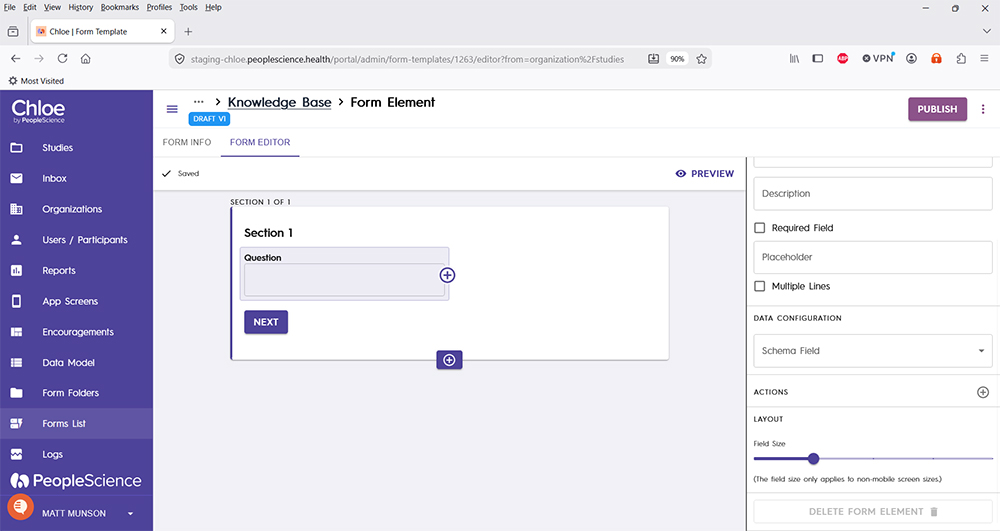
Form Element - Layout
Last updated: July 8, 2026
When building forms and using Form Elements, each element type has a few configuration settings that are common to all Elements. Layout is one of them.
Pro-Tip: Layout is used to configure the visual look of a form and its elements, allowing the designer some precision around vertical space that the Form Element will occupy on the screen. This is particularly helpful when you have a lot of Form Elements to display on a screen, especially when the data being input is small in size.
The Layout slider can be found near the bottom of the configuration pane of the selected Element.
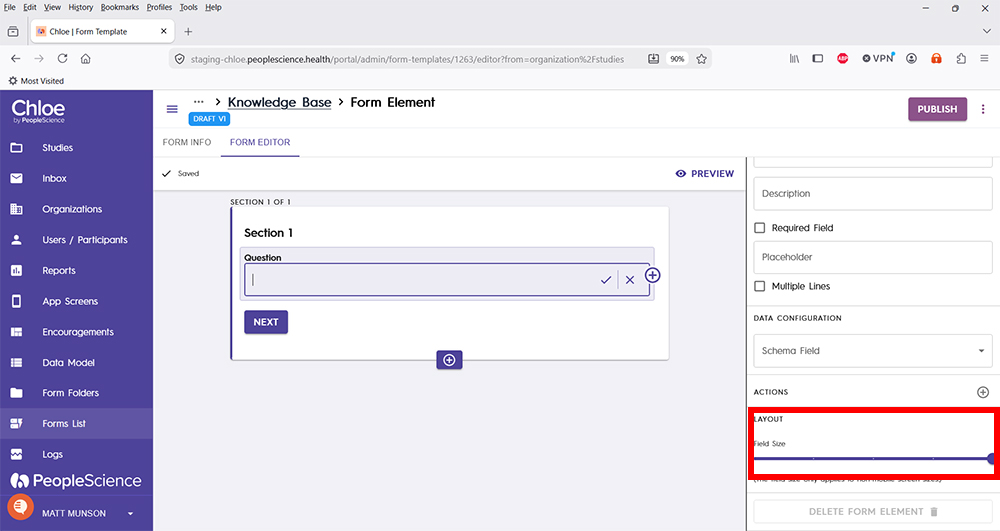
Drag the Layout slider to the left or right to change the size of the selected Form Element.