Participant Status Change - Form Element
Last updated: June 30, 2026
This Element is intended as a workflow tool used to Screen Fail participants. Use it in a study Qualification Questionnaire to automate some behind the scenes actions in a participant workflow.
For more details on how this Form Element is useful in study, please refer to this article:
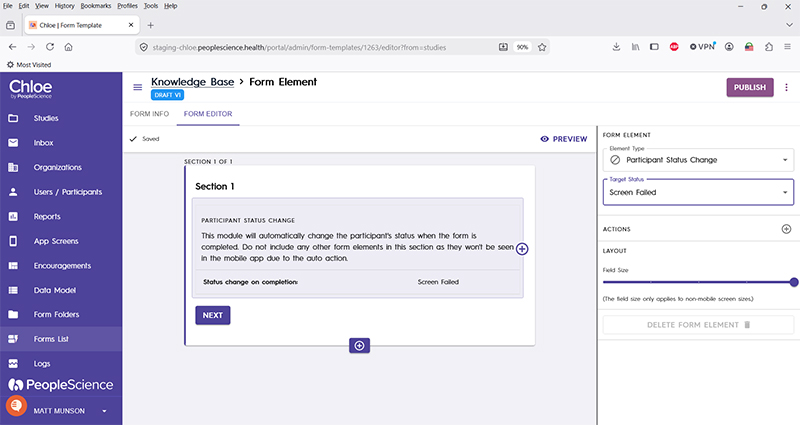
Target Status | Drop down with one option, "Screen Failed" |
Actions | This option is explained in the following article: |
Layout | This option is explained in the following article: |
Delete form element | Allows the designer to delete the selected form element. Each section must have at least one form element, so if this option is greyed out, you must create another form element in order to delete the selected one. |