Stop Recruiting
Last updated: May 14, 2026
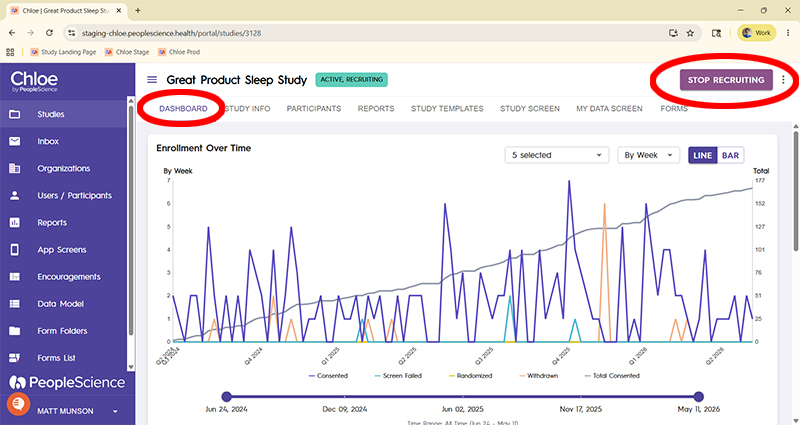
When you are ready to finish your study, or you have enough participants already enrolled and actively participating, you may wish to stop recruiting.
To accomplish this, you simply press the button on the Study Dashboard tab named "Stop Recruiting." It can be found in the upper right hand corner of the page.
What happens when you stop recruiting?
First and foremost, your study landing page will no longer accept new participants. The page is still up, but if someone enters an email address and attempts to launch the qualification workflow, they will be given a message that the study is no longer accepting new participants.
The text reads: "Sorry, this study is currently not accepting any more participants. Thank you for your interest."
The text appears below the email field.

Secondly, and perhaps most importantly, ANY participant in your study who has not yet consented, and has the status of "Qualified" will have their status changed to "deleted."

Prior to ending recruitment for your study, be sure to check on your Qualified but un-consented participants to see if they wish to move forward in the study.
Although you can restart recruitment after stopping it, this action will not reverse the status change on your existing participants.
Use this feature with caution.