Study Template / Schedule
Last updated: July 3, 2025
After building all of your forms AKA events, they need to be assigned to a schedule. All users assigned to the same study template will follow the same protocol. Study enrollment can be on a rolling basis and assigning a study template ensures each participant has the same tasks on Day 1 and throughout the study, regardless of their start date.
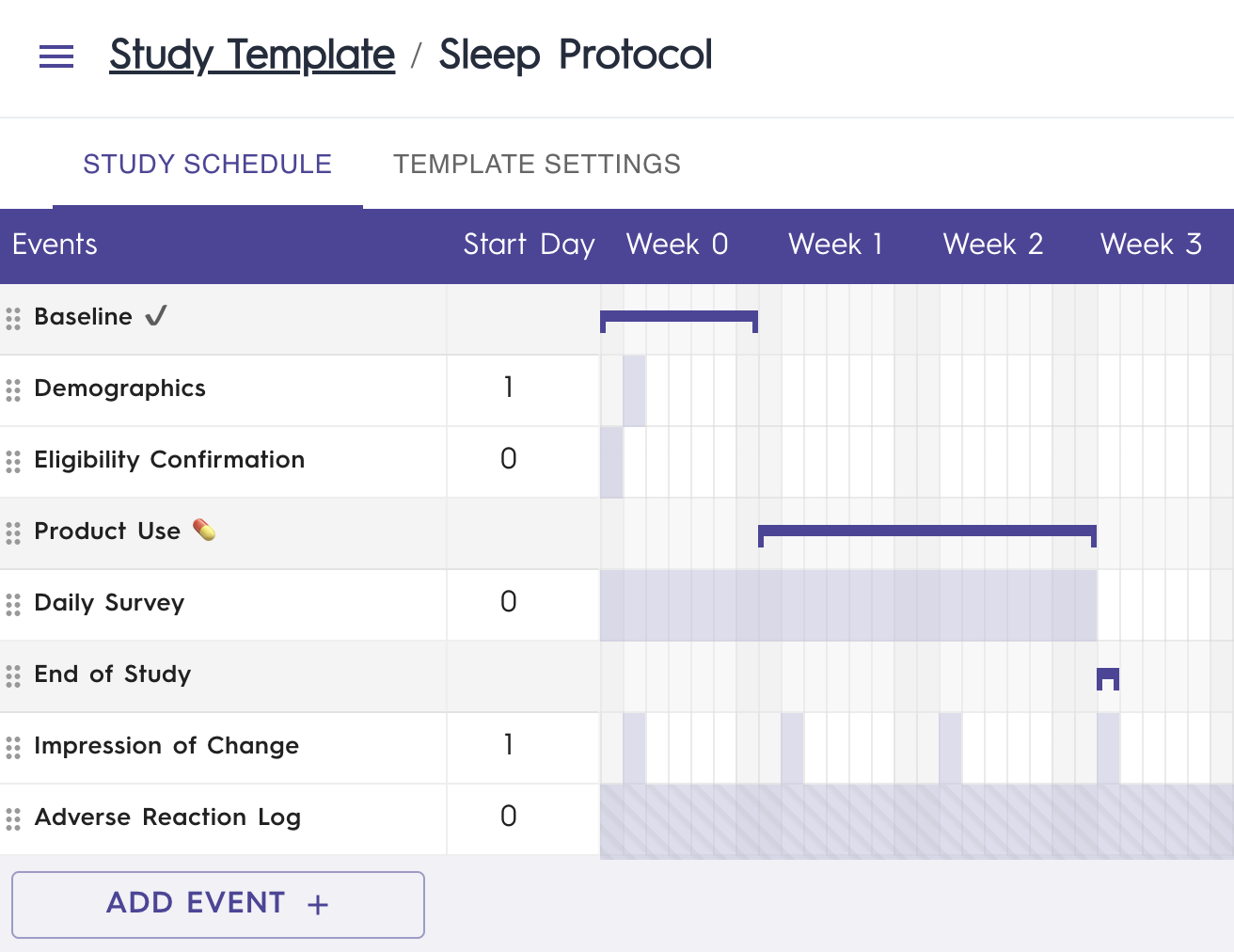
By clicking one of your listed events or by selecting Add Event, you can customize the following:
Study template event name

How the form appears in the app Today screen. The form may officially be called “GPC Daily Form”, but by editing the study template event name, can be shortened to appear as “Daily Survey’’.
Event Type
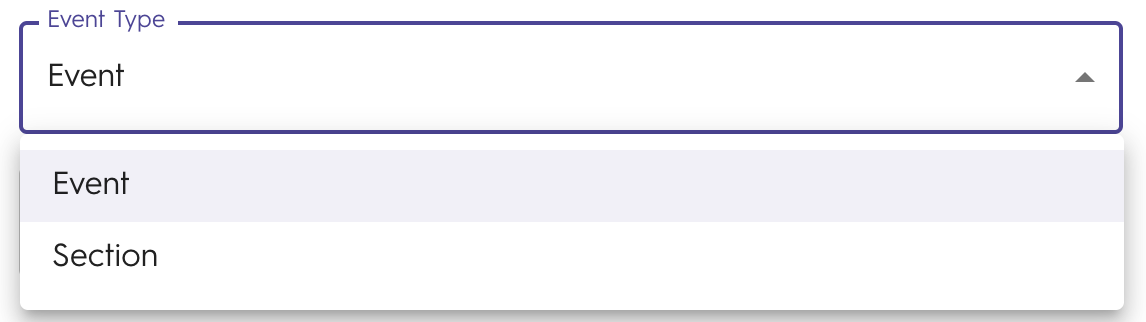
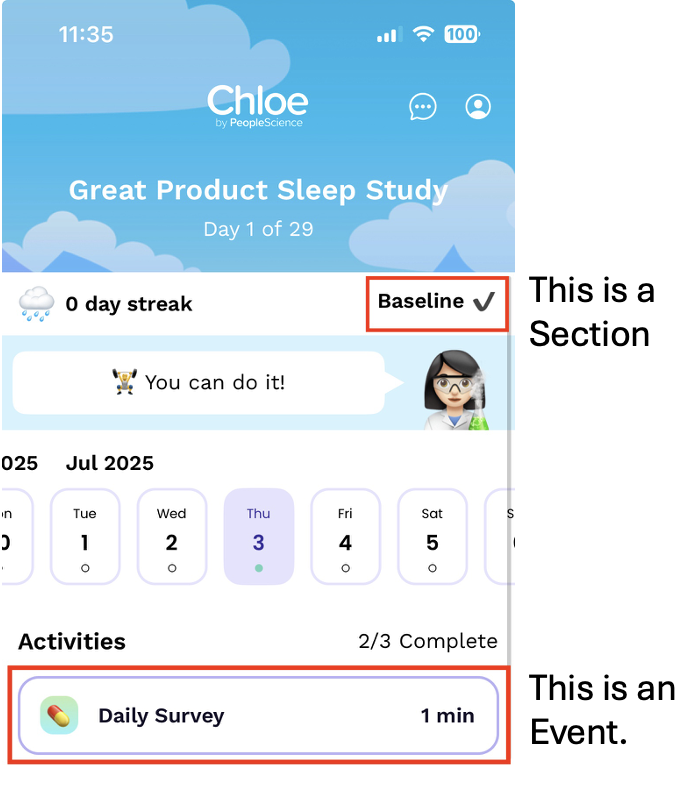
Events are activities or tasks for the participant to complete.
Sections are stages of the study a participant is in.
Select Form Template
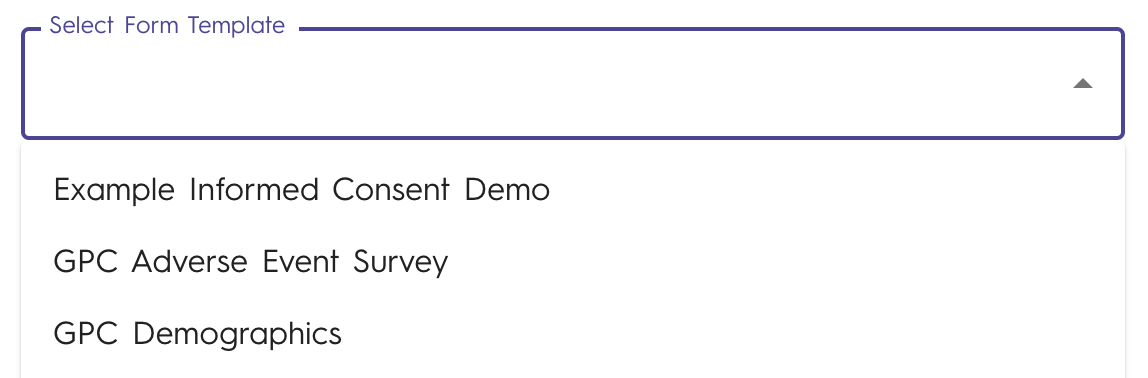
Select the form you want to include in your study template as an Event.
You don't need to add Qualification and Intake (or Informed Consent Forms) to your study templates. Those are added in Study Info.
Study Event Checkboxes

Participant Accessible means this event is available for the participant in the Chloe app.
Internal Editable means this event is available to edit by the study team in the admin portal.
Note: Events can be both Participant Accessible and Internal Editable.
Requires electronic signature to complete form means that the form will ask the completer to enter their email and password to electronically sign-off.
Note: We recommend using this with events that Internal Editable only.
Allow multiple form submissions means that the Event is no longer a scheduled activity but a form that is always available to the participant for as much data entry as they would like, such as a couple times during the study or a couple times each day.
Great for symptom logs, food journals, and passive adverse event collection.
Days until event expires
After an event expires it will no longer be accessible to participants.
Duration in minutes
Gives participants a sense of how long an activity will take.
Recurring Event
At what cadence should the event occur (increment)
Frequency
Specify how often the recurring event happens (e.g. Every Day, Every Other Day)