Assign Form and Send Email Action
Last updated: July 8, 2025
Based on how you have answered a question in a form, the Assign Form Action can assign a specific additional form at a set time. Example:
Sally is enrolled in the Good Energy Drink Study. She receives a daily survey asking if she drank the product. Monday at 9:34 am, she completes her daily survey saying she drank it.
The Assign Form Action is triggered by her endorsing that she drank the product, and she receives a notification 3 hours later, at 12:34 pm with a new form asking about her energy level.
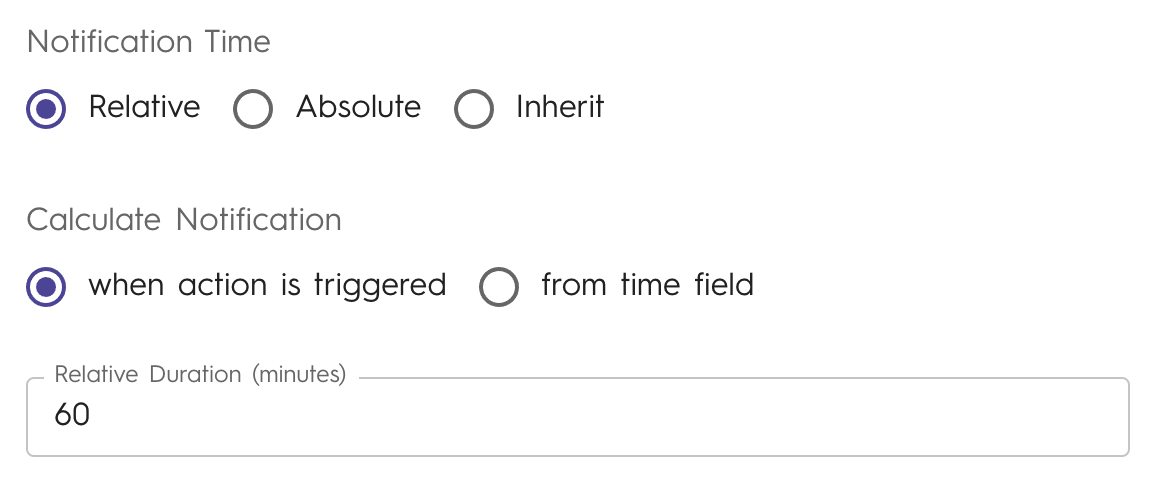
Notification times can be absolute or regular
Absolute time is specified regardless of the user’s behavior (8 pm).
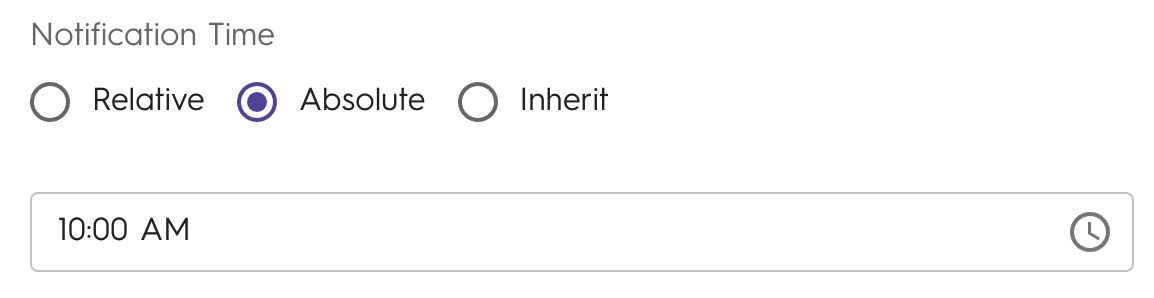
Relative time is based on ‘when action is triggered’ AKA when the form was submitted (e.g. 60 minutes later) or a question response.
Like Assign Form, the Send Email Action allows you to send the study team or specific individuals emails based on how a participant answers a question. Example:
Frank is participating in a depression study. He endorses ‘yes’ on a question asking about an adverse event. This triggers an email to the Study Coordinator who now knows to reach out to him directly.
The email can be customized. Different Send Email Actions can have different email text.
