How To Launch Your Study
Last updated: December 12, 2025
Once your study has been built and tested, you are ready to begin recruiting, welcoming participants into your study, and starting them on their journey.
To accomplish this, navigate to your Study Dashboard, and press the button marked Start Recruitment.

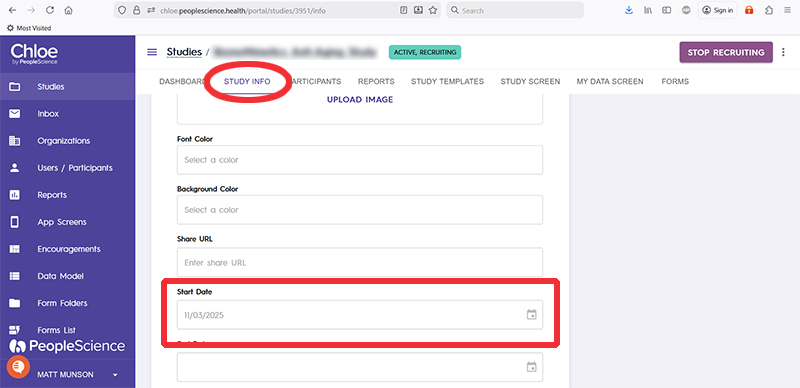
Once your study is launched, the Start Date field on the Study Info tab will automatically be populated with today's date.
That's it! Your study is now live and ready to go.