Chloe Admin Portal - Data Manager View
Last updated: July 22, 2026
Good to Know: The primary difference between Data Manager access and Administrator access is the lack of visibility of the Participants screen. Think of the Data Manager role as one of Study Building and Execution, not participant management.
When logging into the Chloe Admin Portal as a Data Manager, the following screens will be available for each study you have access to:
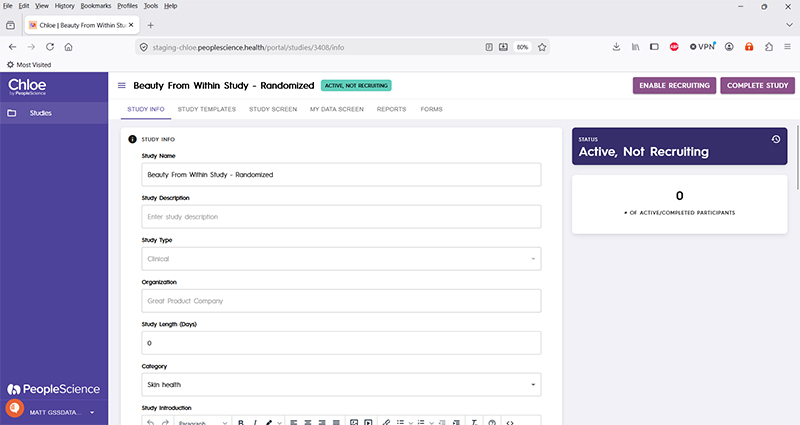
Study Info
📄 Chloe Admin Portal - Study Info
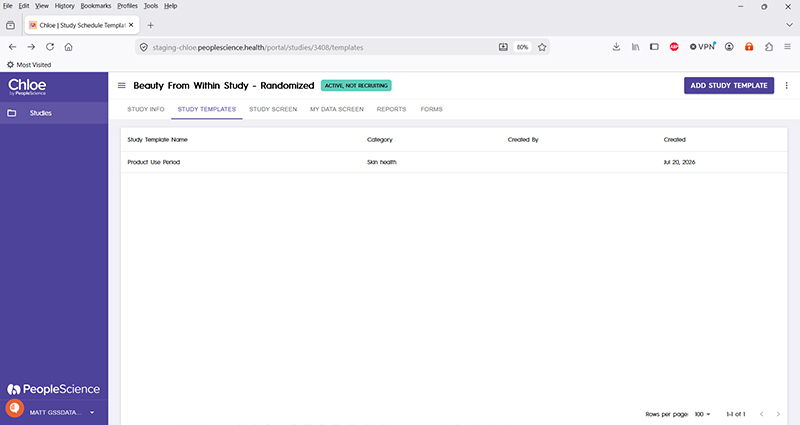
Study Templates
📄 Chloe Admin Portal - Study Templates
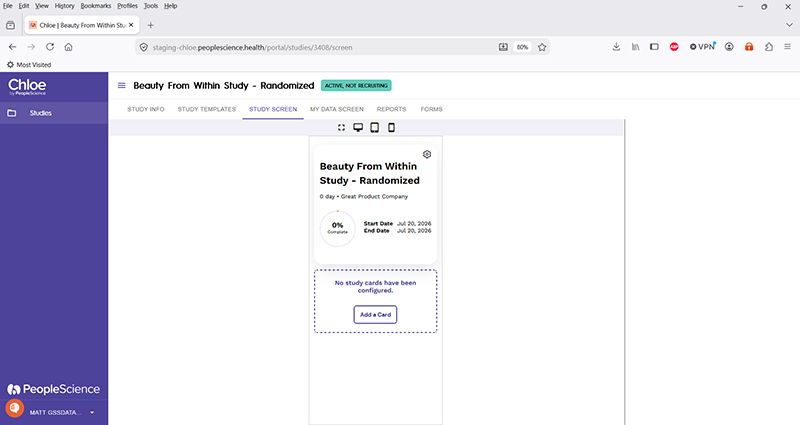
Study Screen
📄 Chloe Admin Portal - Study Screen
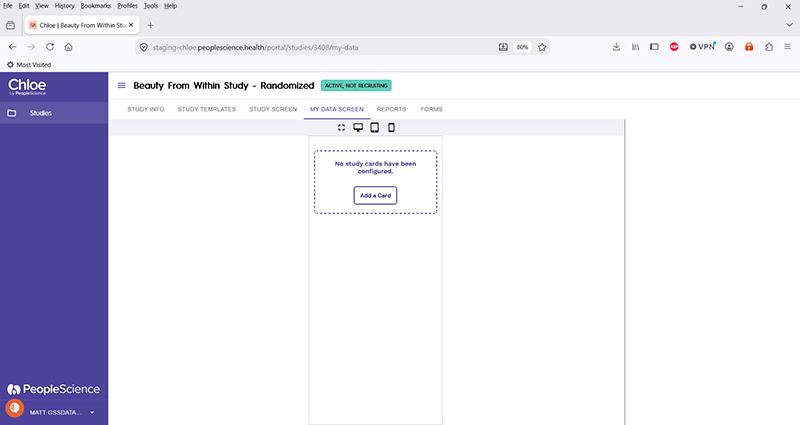
My Data Screen
📄 Chloe Admin Portal - My Data Screen
Reports
📄 Chloe Admin Portal - Reports
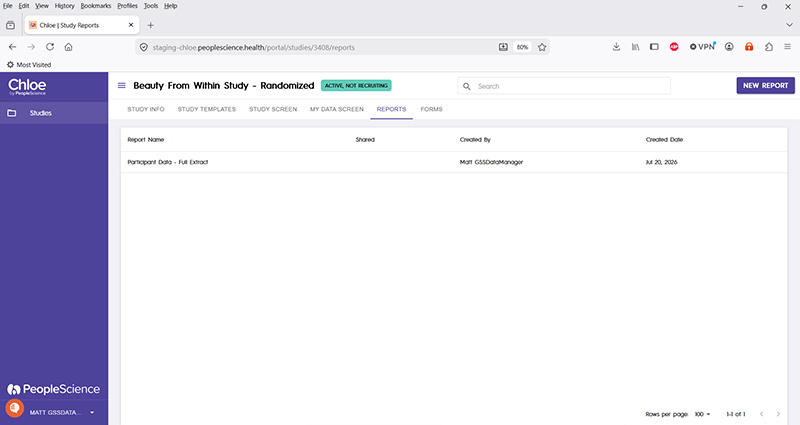
Forms
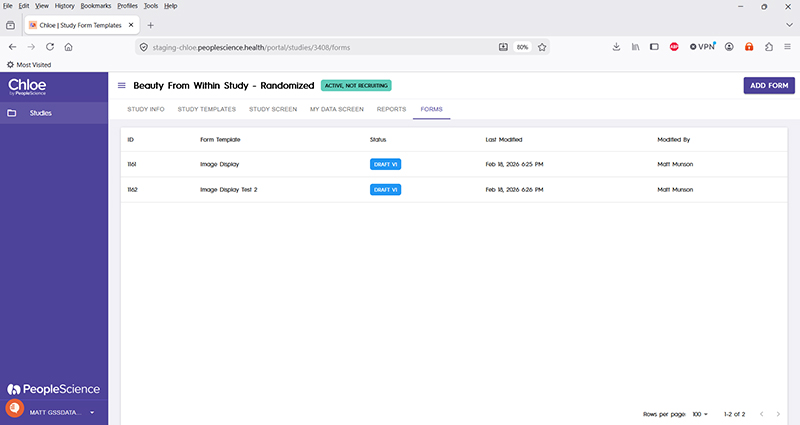
For an overview of all Chloe Account Types and the screens available for a study in the Chloe Admin Portal, please refer to this knowledge base article: 📄 Chloe Admin Portal - Overview & Introduction